![PNG Transparent background-1.png]](https://support.cibolabs.com.au/hs-fs/hubfs/PNG%20Transparent%20background-1.png?width=215&height=76&name=PNG%20Transparent%20background-1.png)
Select Create a new farm to setup.

Set up your Farm(s):
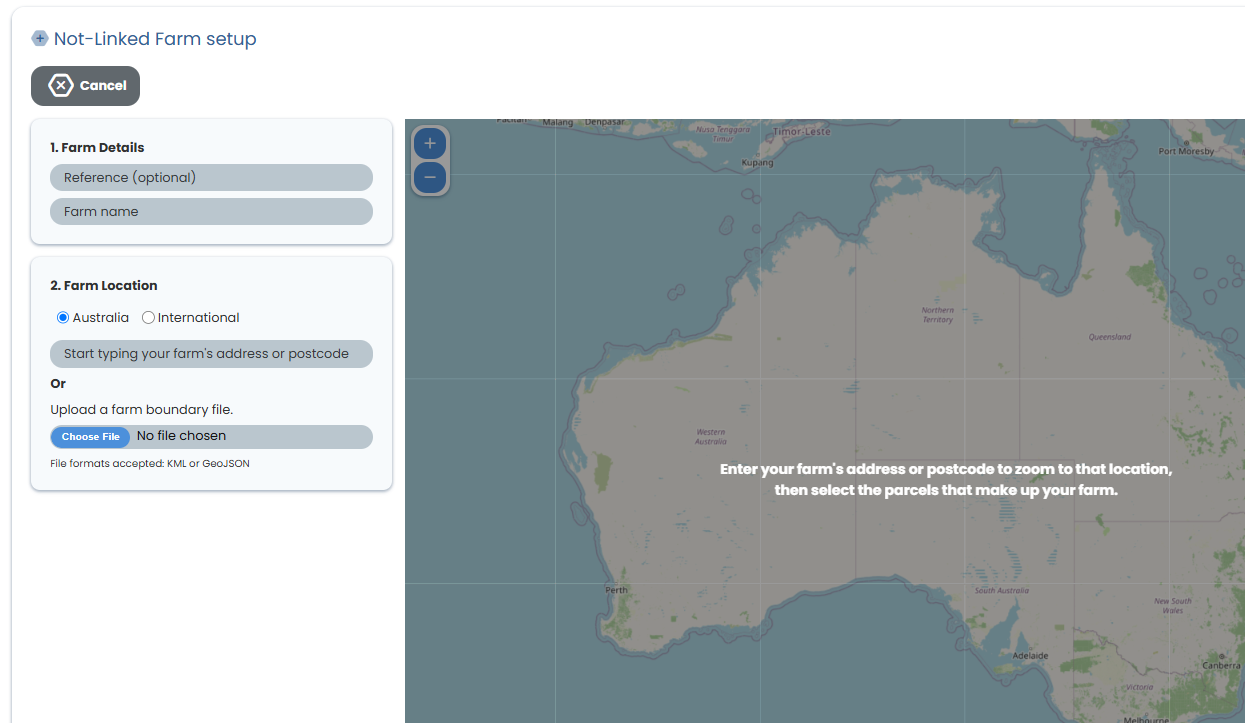
- Name your farm
- Enter your address and postcode to locate the farm on the Map, OR upload your paddocks if you currently have a digital farm boundary map, file formats accepted include; KML or Geojson(JSON) files.
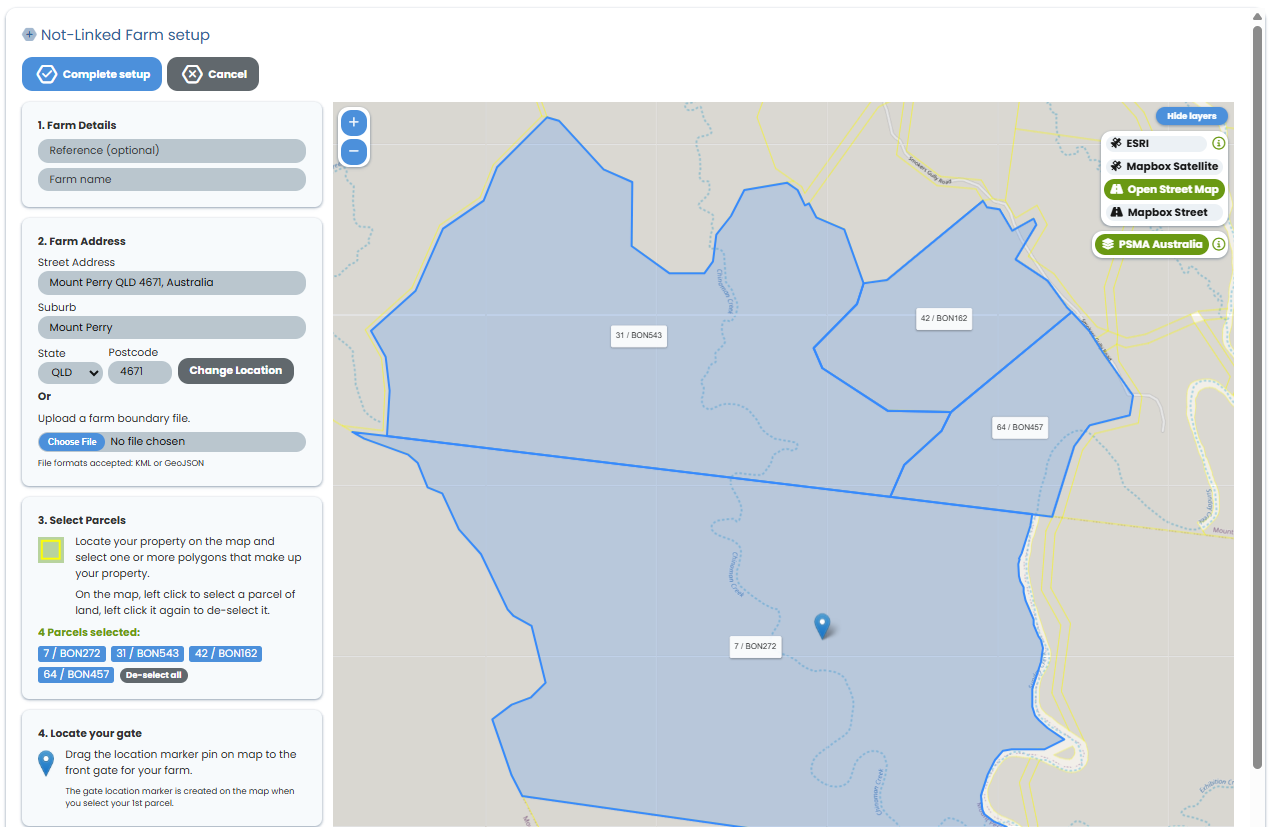
4. Set your front gate location. Select the Location PIN and drag to the front entry of your property.
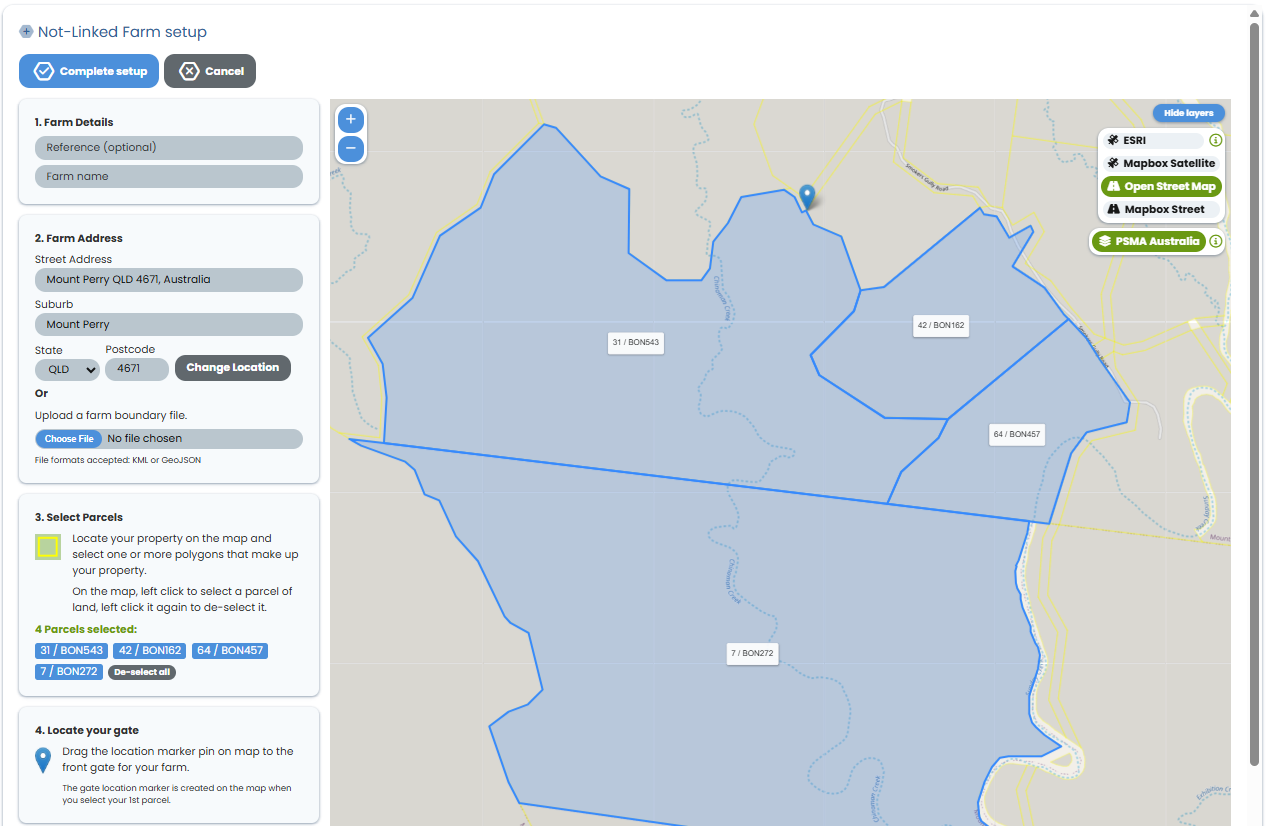
5. Then select "Complete Setup" at the top of the page to complete the process.
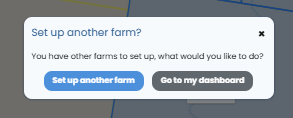
If you have additional farms, you can select to set up these farms by selecting "set up another farm" or if you have completed your farm setup, select 'go to my dashboard'.